
Use in AI Tools
Use in AI Tools (Everruns Plugin)
Section titled “Use in AI Tools (Everruns Plugin)”The everruns plugin connects Claude Code, Codex, and Cursor to any Everruns deployment over MCP. It ships skills, slash commands, and agents; Codex setup additionally uses the plugin’s defaultPrompt and description.
Quickstart (local Everruns)
Section titled “Quickstart (local Everruns)”just upjust agent-auth PROVIDER=cursor # or vscode, claude, codex, gemini, droid, opencodeThis scaffolds a plugin that talks to your local deployment. Point the plugin at a different deployment by setting EVERUNS_MCP_URL (defaults to https://app.everruns.com/mcp).
Codex (ChatGPT + CLI)
Section titled “Codex (ChatGPT + CLI)”Use the plugin’s defaultPrompt and description so you do not have to type OAuth scopes and MCP labels by hand:
{ "title": "Everruns", "text": "...", "images": ["docs/getting-started/codex-everruns-plugin.png"], "skill": "everruns", "commands": ["commands"], "mcp": "everruns", "defaultPrompt": "You are using Everruns at ${EVERUNS_MCP_URL:-https://app.everruns.com/mcp}. Use the everruns skill...", "description": "Connects Codex to Everruns over MCP with skills, slash commands, and agents."}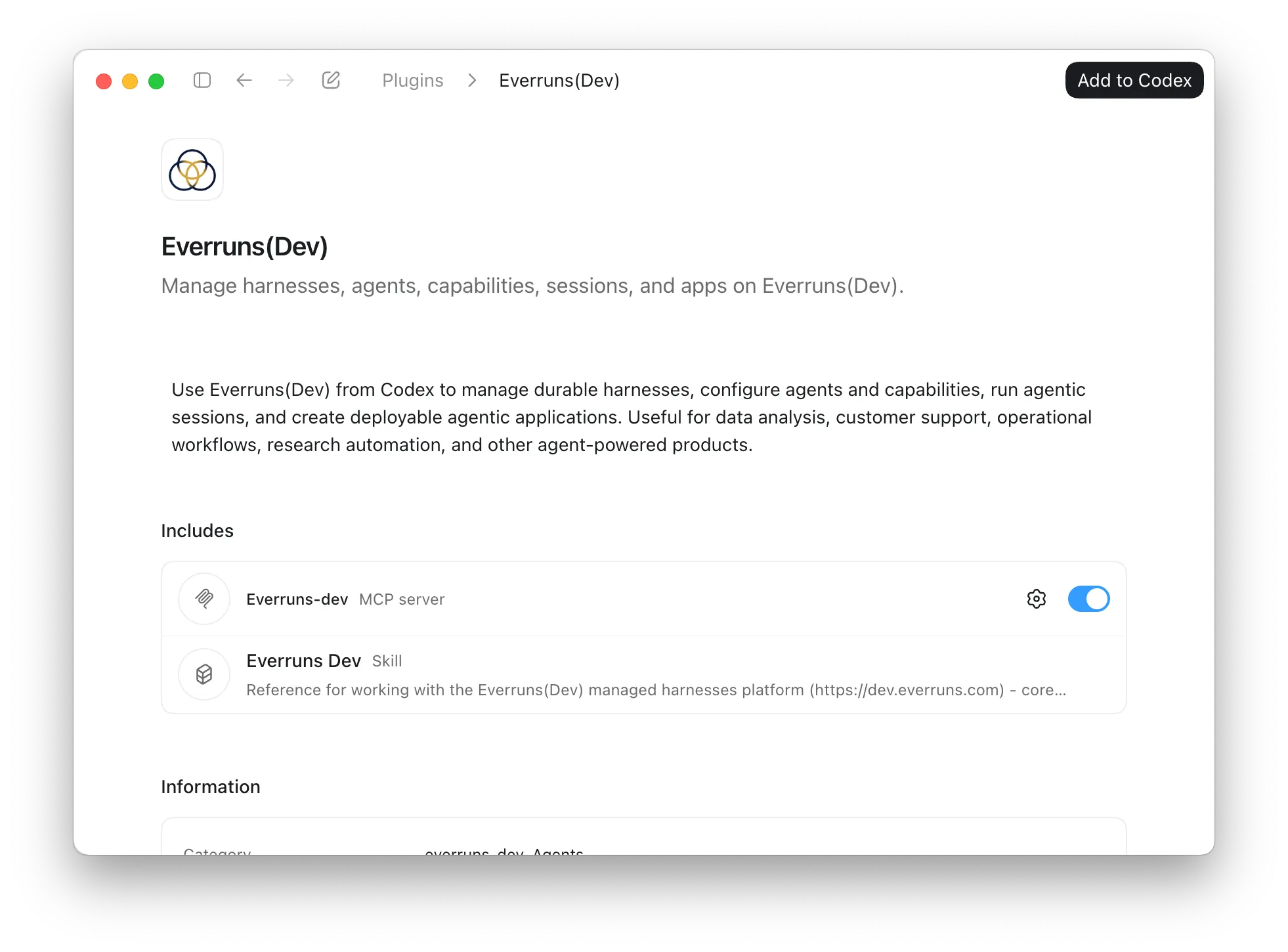
To install the published plugin, open the everruns plugin page in Codex and choose Add to Codex.
Plugin layout
Section titled “Plugin layout”The portable plugin lives in plugins/everruns/:
plugin.json/mcp.json— marketplace registration (nameeverruns, version, MCP server URL)..claude-plugin/plugin.json— Claude Code manifest..codex-plugin/plugin.json— Codex manifest (defaultPrompt,description)..cursor-plugin/plugin.json— Cursor manifest.skills/everruns/SKILL.md— the agent skill (frontmattername: everruns).commands/— slash commands.
EVERUNS_MCP_URL selects the deployment the plugin talks to; it defaults to https://app.everruns.com/mcp.
Read the docs as text
Section titled “Read the docs as text”The documentation site publishes itself as plain Markdown for agents and other tools that would rather read text than HTML.
/llms.txt— the index: the three ways to run Everruns, every documentation set, and the machine-readable surfaces. Start here./llms-full.txt— every prose page in one file (roughly 250k tokens)./llms-small.txt— the same corpus without the vendor- and operator-specific long tails./_llms-txt/<set>.txt— one topic at a time, mirroring the sidebar: framework, getting-started, built-ins, guides, integrations, explanation, reference, operations. Prefer a set over the complete text./api/openapi.json— the REST API as OpenAPI 3.0. The text sets carry prose only, so take endpoint shapes from here.
Every page in those files begins with its title, its description, and a
Source: line holding the canonical URL. Cite that URL, not the text file.